SRG+ Teams
Projects for Teams and AI Agents
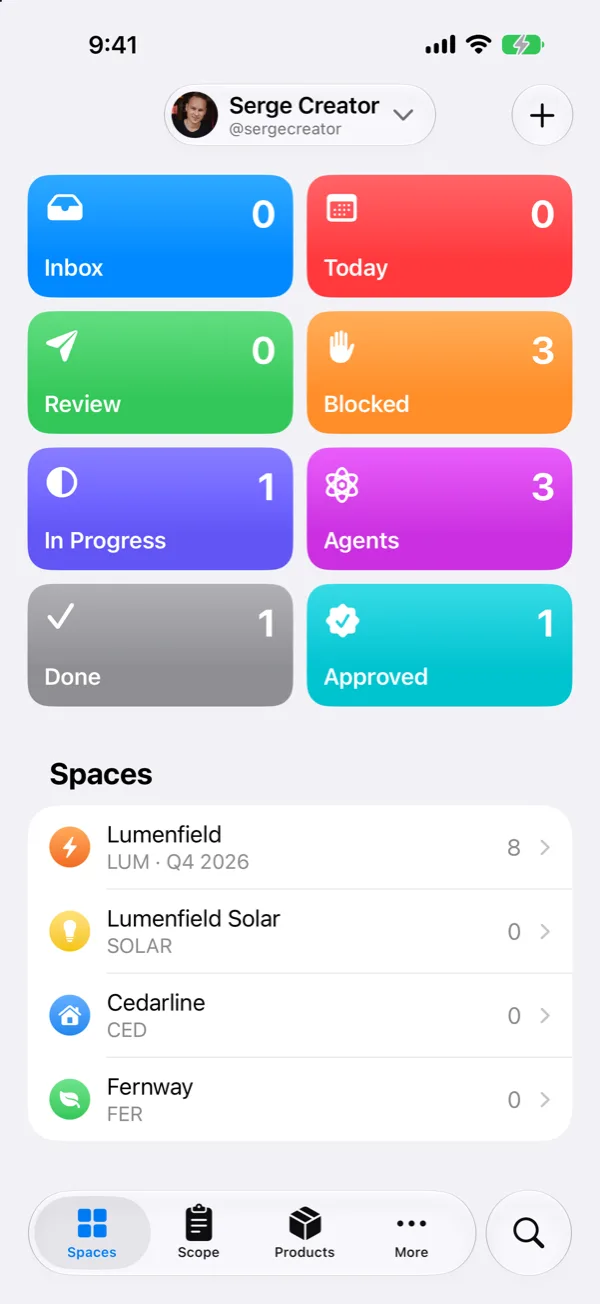
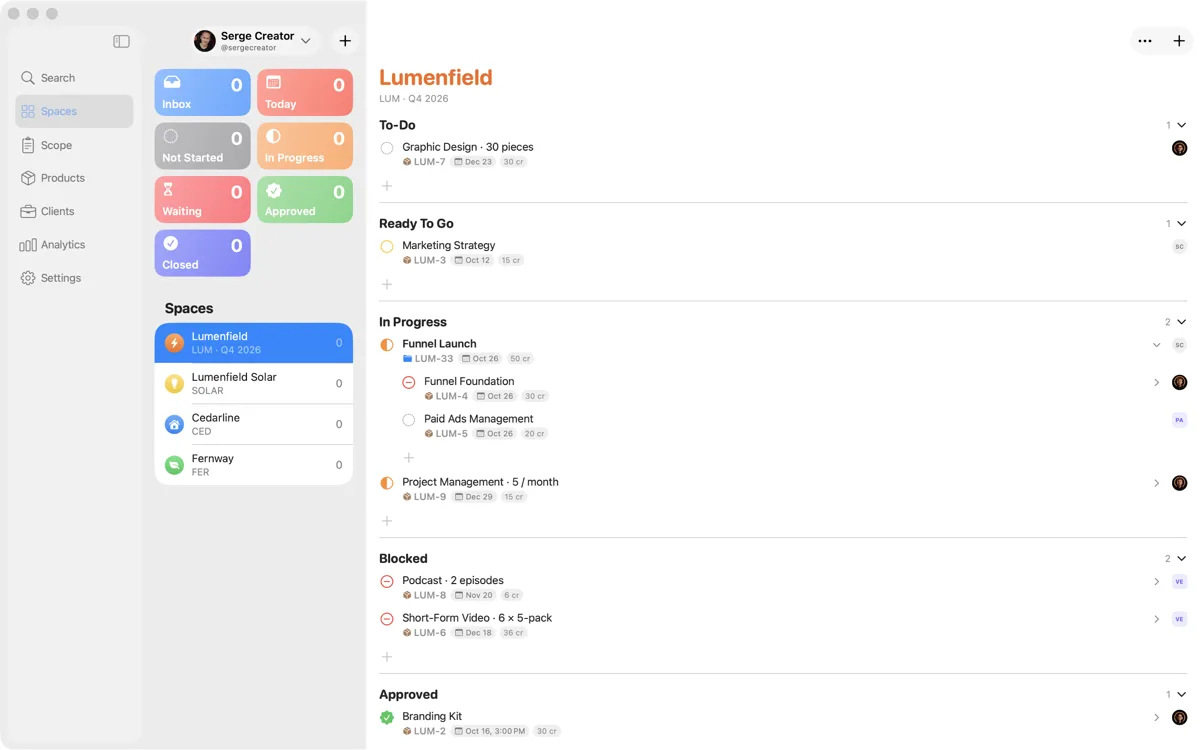
Plan the work of your team and its AI agents: spaces for each brand, scopes with sprints, and final products that only people accept.
iOS, iPadOS
Download for iPhone and iPad
Install SRG+ Teams through TestFlight, Apple's app for early versions. Open this page on your iPhone or iPad and tap the button.
Get it on TestFlightiOS 26 or iPadOS 26 or later
macOS
Download for Mac
Download SRG+ Teams, open the file and drag the app to Applications. It updates itself when a new version comes out.
Download for MacmacOS 26 or later
Get started
Up and Running in Three Steps
- 1
Install the app
On a Mac, download the file, open it and drag SRG+ Teams to Applications. On an iPhone or iPad, open the TestFlight link on the device itself: get TestFlight from the App Store when asked, come back to the link, then tap Accept and Install.
- 2
Sign in with your SRG+ account
Enter your email or phone number, then the 6-digit code we send you. No SRG+ account yet? The app opens the SRG+ page where you make one, and you are signed in.
- 3
Join your workspace
Your workspace admin invites you by the email or phone number of your SRG+ account. Open the app and tap Join. No invitation yet? Ask your admin to invite you.
What's inside
Built for Agencies and Small Teams
Spaces
One space for each brand, with its work grouped by status.
Scopes and sprints
What a client bought: sprints, dates and an estimate in credits.
Final products
Final products, tasks and sessions, each split into parts.
Products
The catalog of what you deliver and what it costs.
Clients
Every client with their scopes and spaces in one place.
People and agents
Teams of people and AI agents, and a view of anyone's work.
People decide and accept the work. Agents do it, on the same rules.
Questions? Visit SRG+ Support · Privacy Policy