Every team file. In one place.
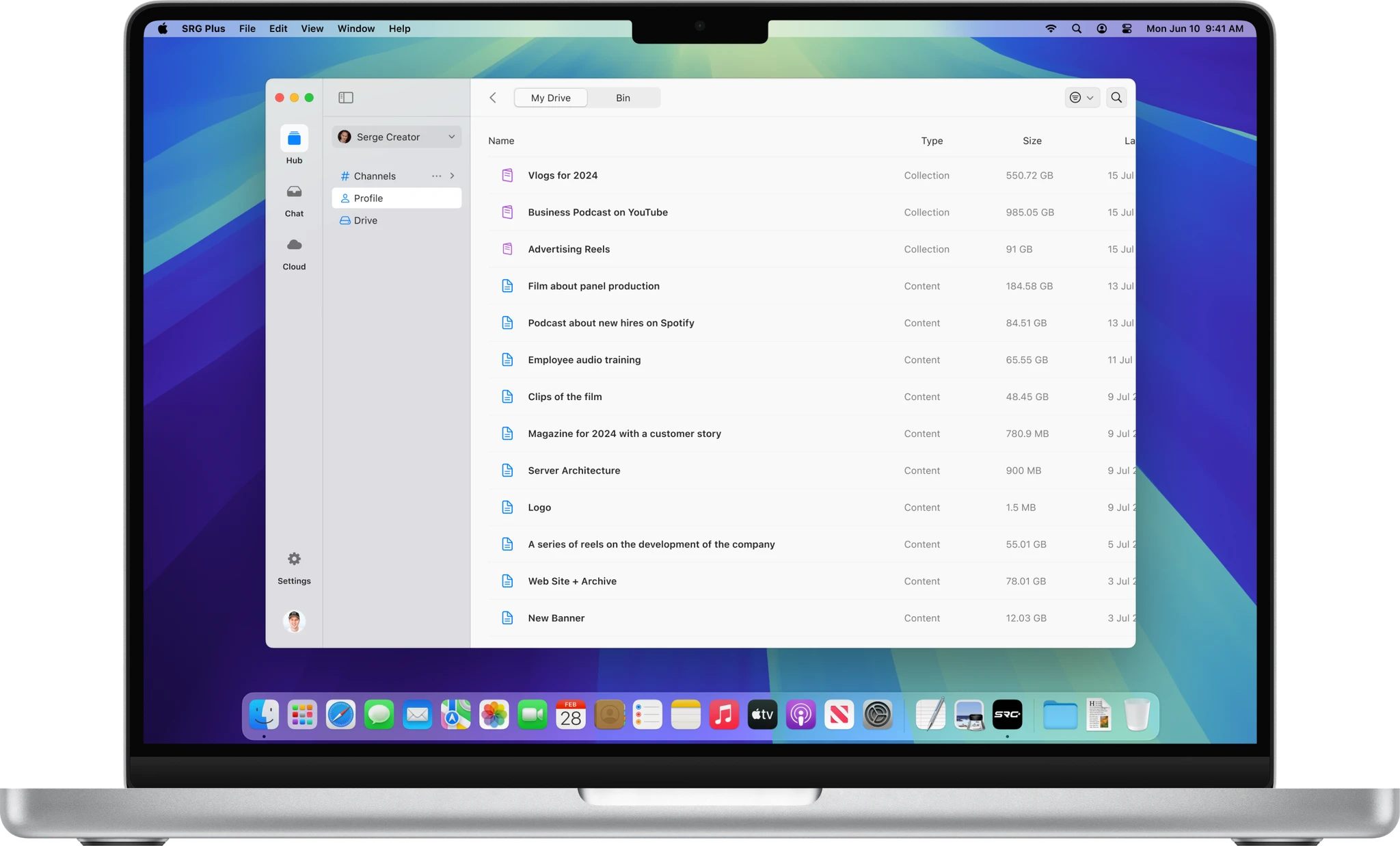
Brand files, videos and documents right in Finder on your Mac, and in SRG+ on your phone, tablet and the web.
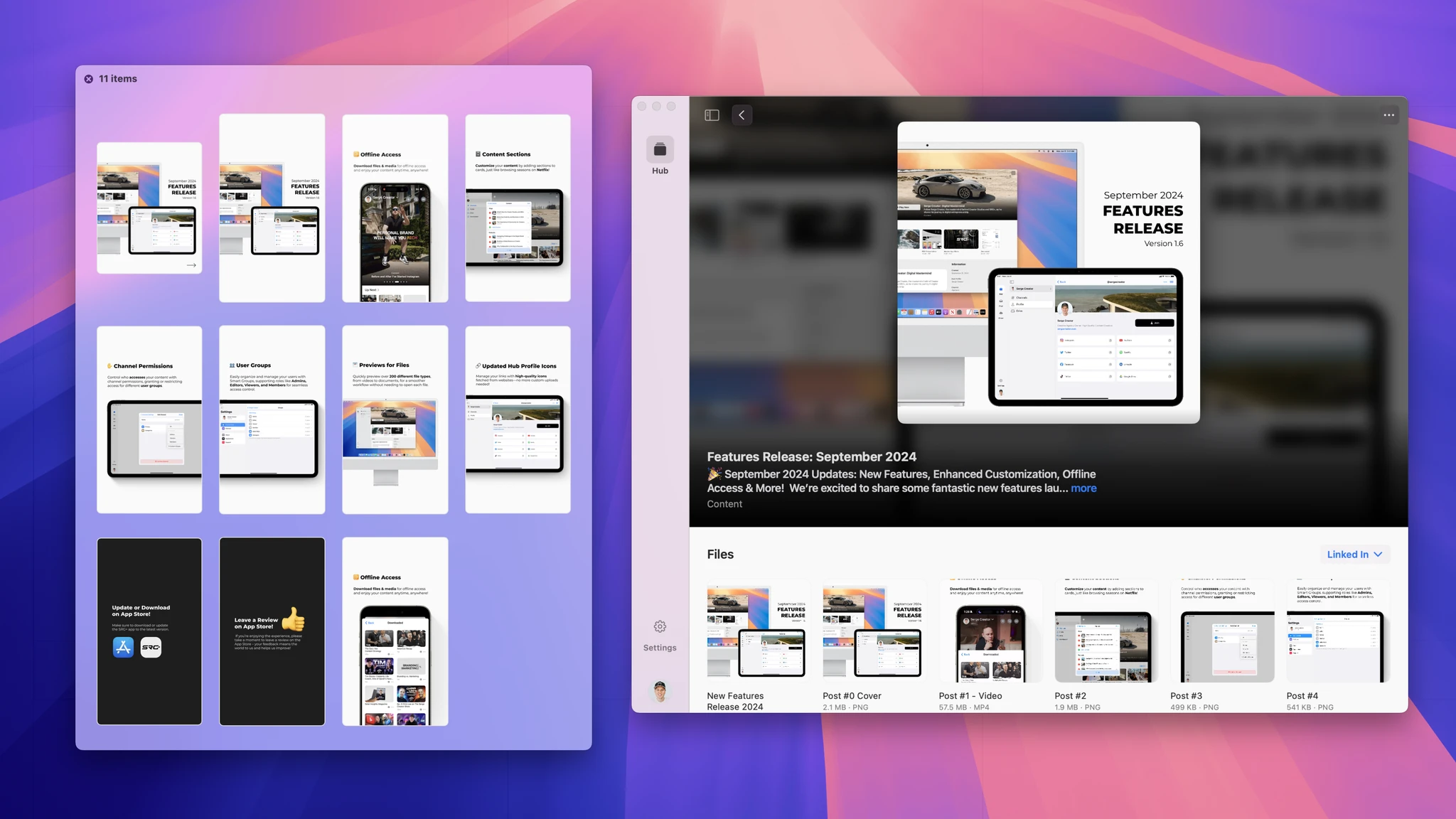
Files where your team already works.
Every file
Logos, photos, videos and documents, in folders the whole team can find.
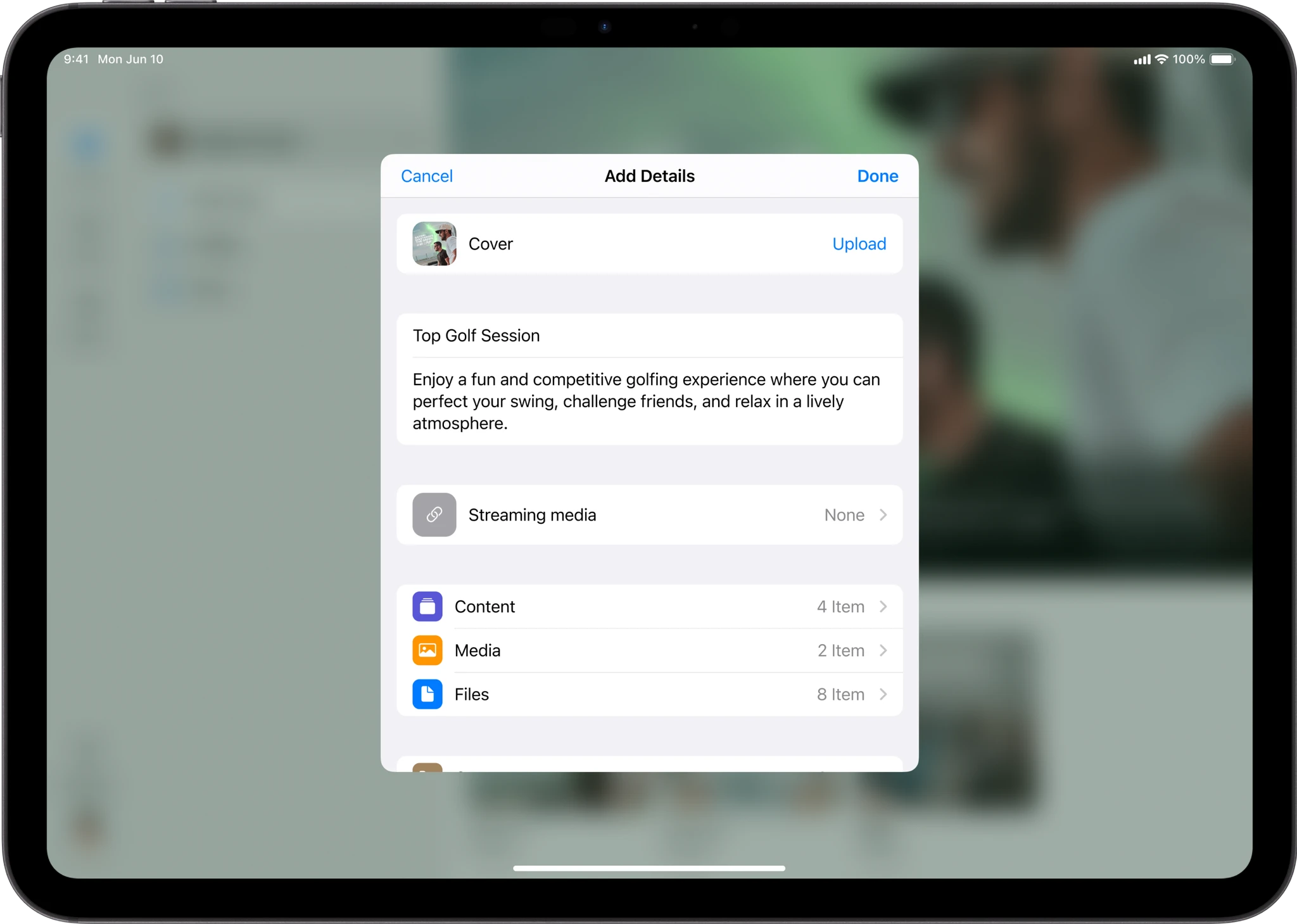
Add from anywhere
Add files from your phone, tablet or computer, with a title and details.
Made for sharing.
Right in Finder
On a Mac, SRG+ Drive shows up in Finder like any other folder.
Share with a link
Send any file with a link, and stop sharing it any time.
Recordings land here
Screen recordings from Record are saved in Drive, ready to share.
Thinking about another tool?
See how SRG+ compares.
Questions
- Does SRG+ Drive work in Finder?
- Yes. On a Mac it shows up in Finder like any other folder.
- Can I share a file with someone outside my team?
- Yes, with a link. You can stop sharing it any time.
- Where do my screen recordings go?
- Into Drive, with a link that never expires.