Your trainings. On every rep’s phone.
Put your best pitches, scripts and trainings in channels like Netflix, see who watched to the end, and let reps watch offline. Part of the SRG+ app.
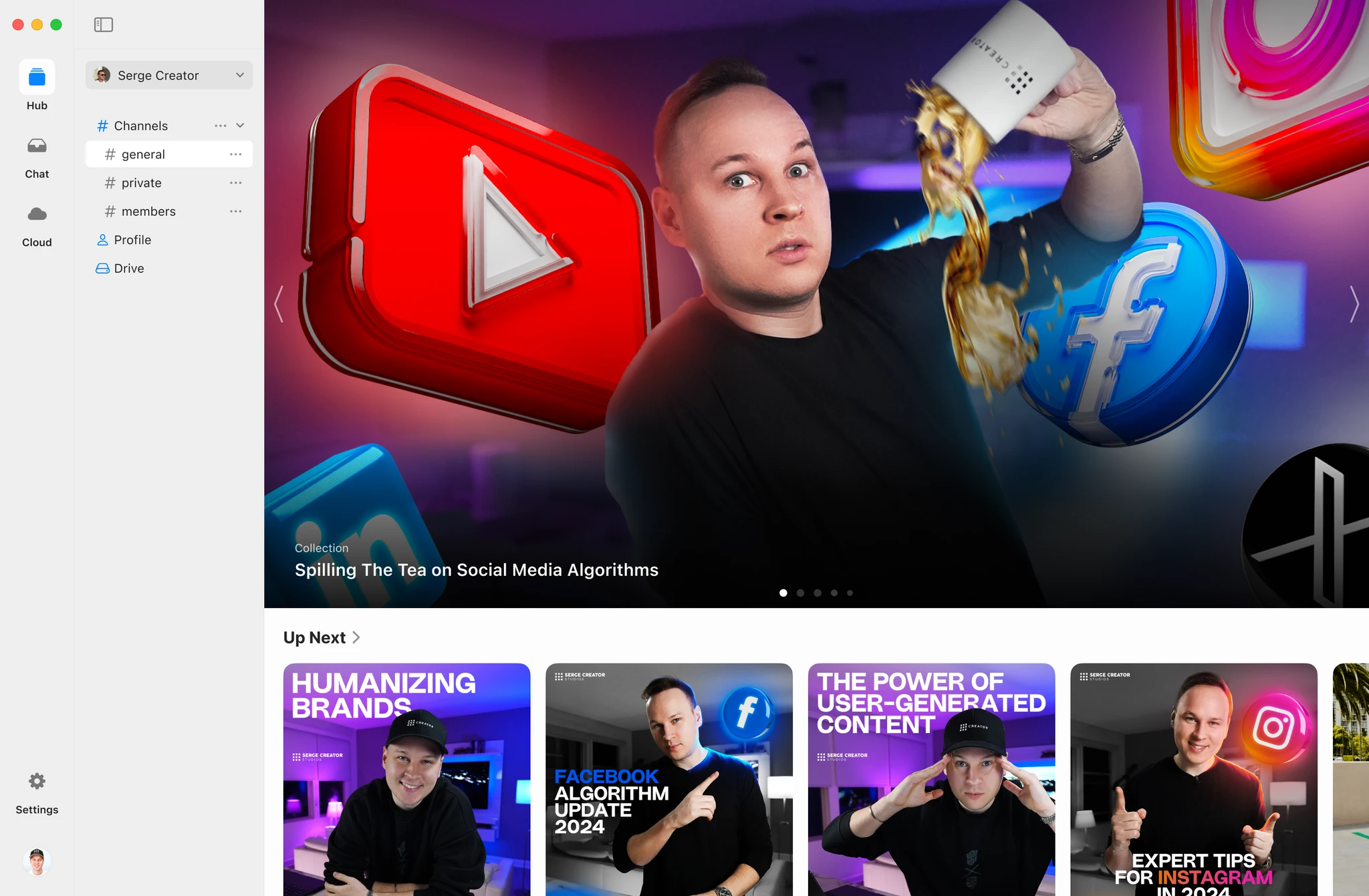
Training your team actually opens.
Channels
Sort trainings into channels and categories, like Netflix, with your brand on top.
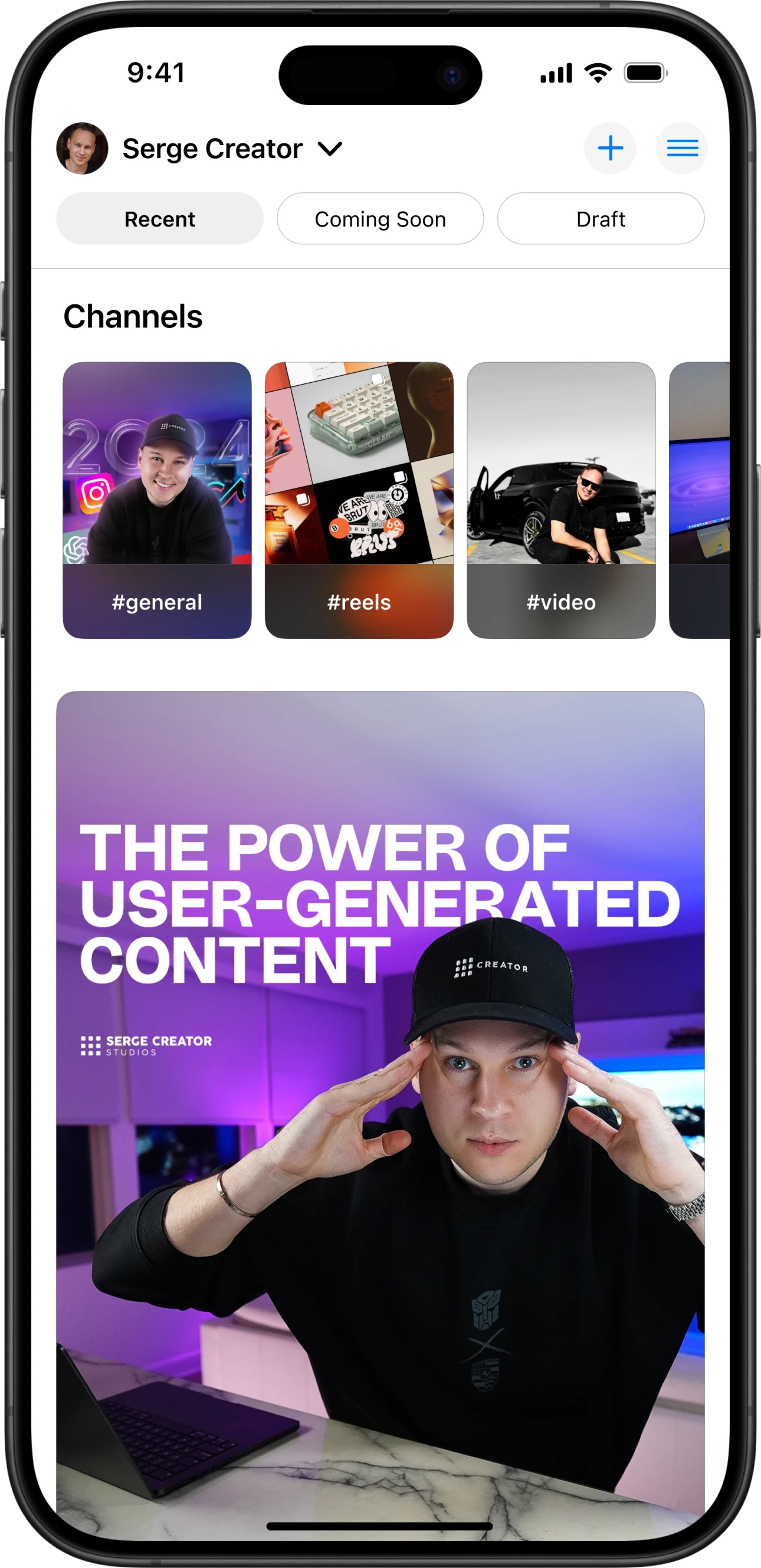
Search
Reps find the training they need in seconds, right before the next door.
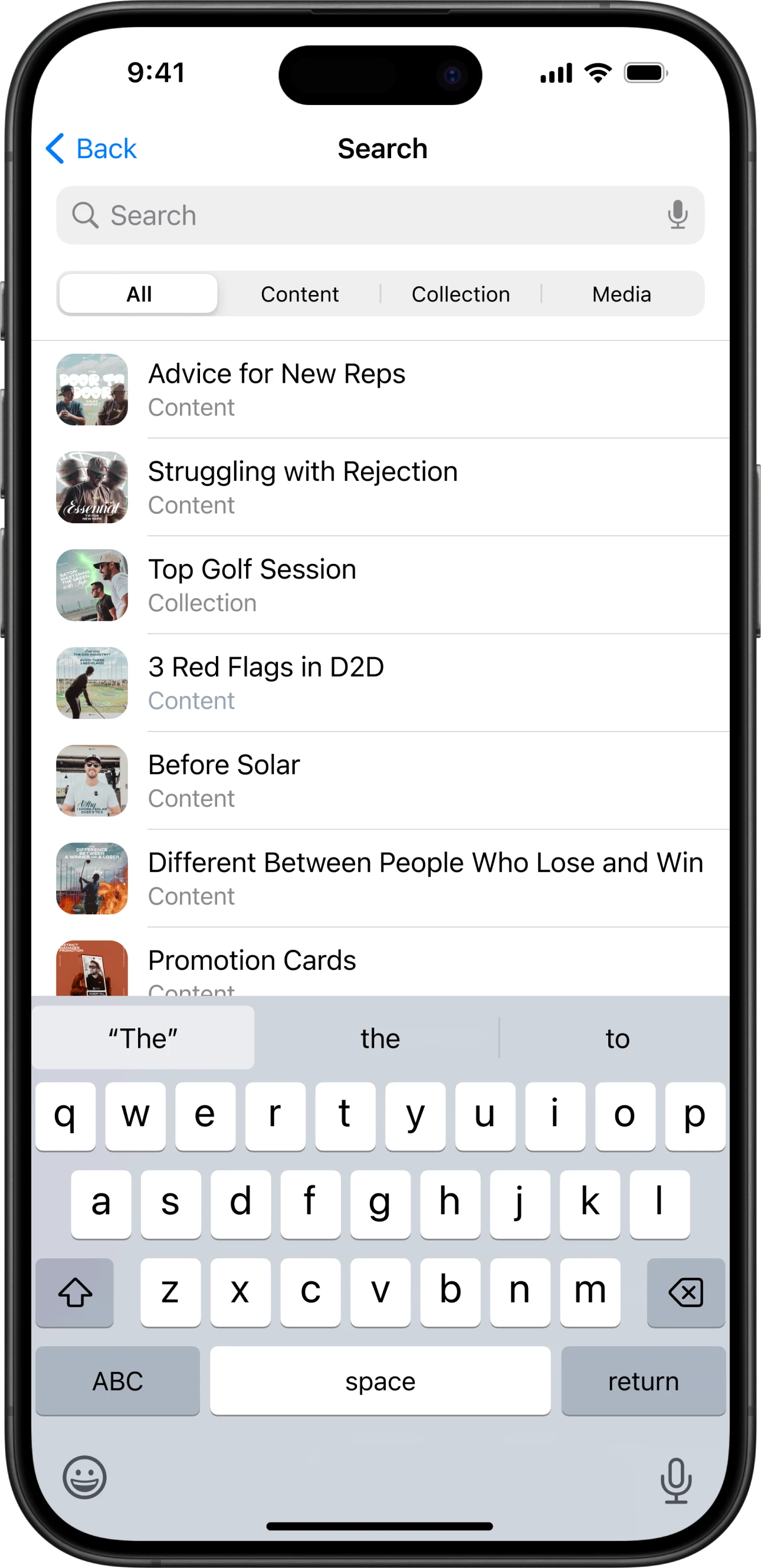
Every screen
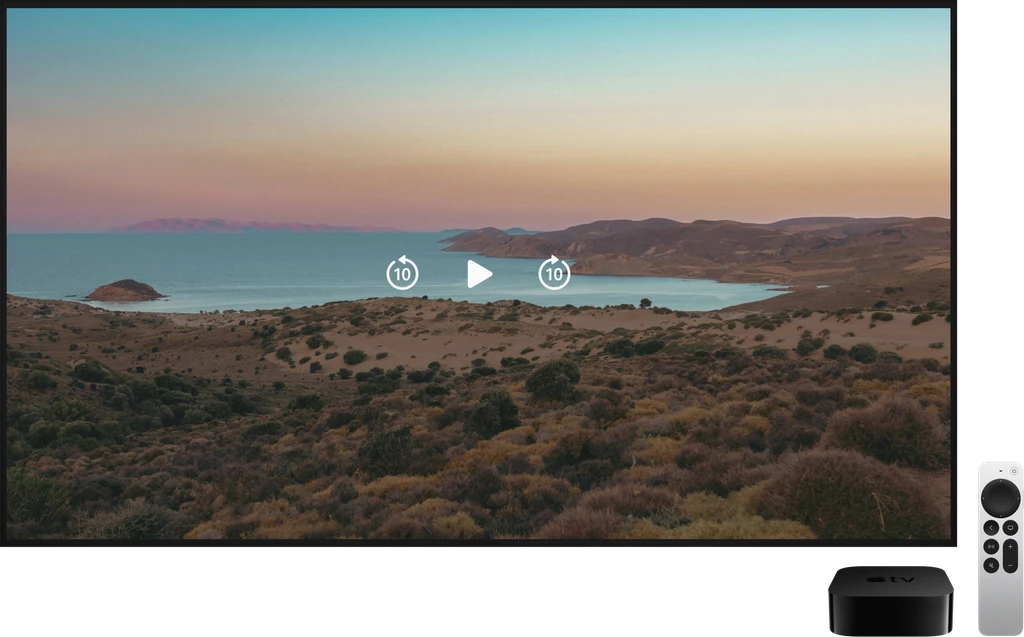
iPhone, iPad, Mac, Apple TV, the web and Android. Start on the phone, keep watching on the TV.
Your brand
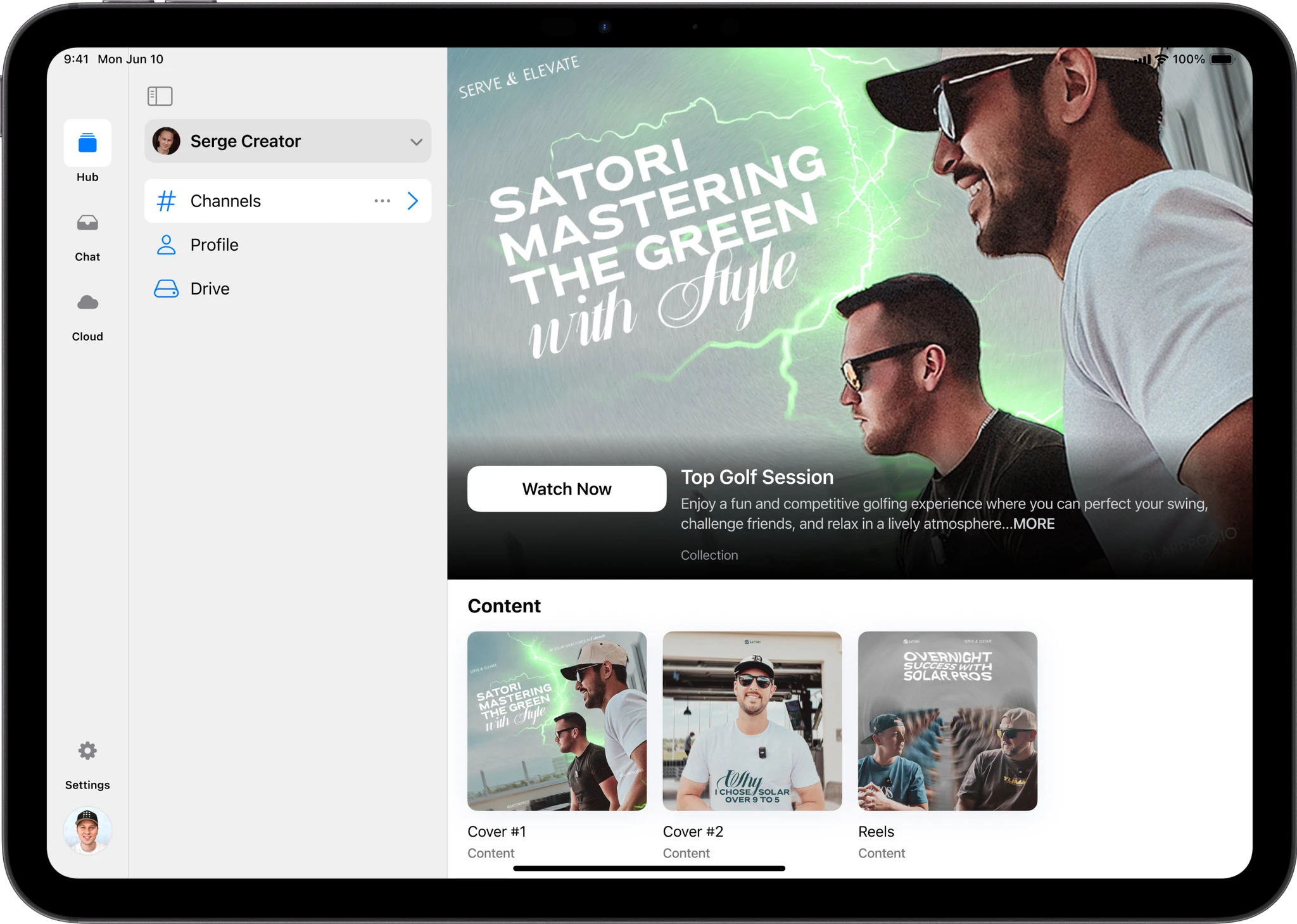
Your logo, your colors and your content, so it feels like your own app.
And the rest you need.
See who watched
Views and completions for every person, so you know who finished the training.
Works offline
Reps download trainings and watch them with no signal.
Quizzes with a pass mark
Add a quiz made in SRG+ Forms to check what reps learned.
Who sees what
Give each team, office or new-hire class only the channels they need.
Thinking about another tool?
See how SRG+ compares.
Questions
- Can reps watch without internet?
- Yes. They download trainings in the SRG+ app and watch them offline.
- Can I see who finished a training?
- Yes. Analytics shows views and completions for every person on your team.
- Where does it work?
- On iPhone, iPad, Mac, Apple TV, the web and Android, with one SRG+ account.