SRG+ Chat
Chat Is Here: Team Messaging, Calls and Groups in SRG+ 1.93

Serge Creator

Your team already learns in SRG+. Now they can talk there too.
SRG+ is a mobile-first, branded training and content hub for field and direct-sales teams. It puts your pitches, scripts and trainings on every rep's phone, with completion tracking.
Until now, a rep would watch the new pitch in SRG+, then switch to a group text or WhatsApp to ask a question, and the answer got lost somewhere between a dozen threads. SRG+ 1.93 brings the conversation into the same app as the training: messages, group chats, voice and video calls, and an inbox that opens instantly, even offline.
Here is everything that is new, and how field teams can put it to work this week.
What's New in 1.93
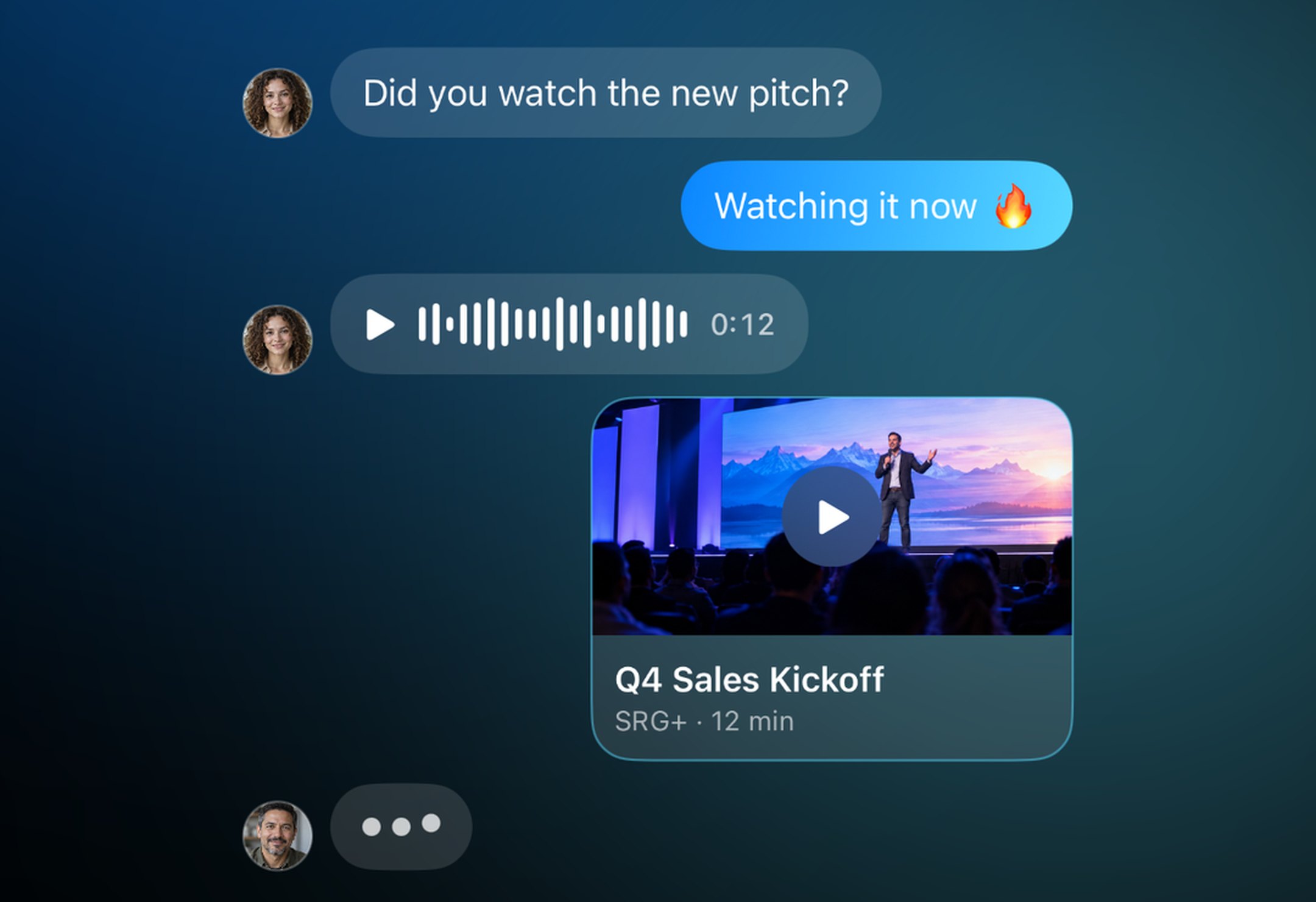
1. Chat
Message anyone on SRG+, one to one. Send photos, videos, files and voice messages, the way you already do in your favorite messenger.
Because Chat lives inside SRG+, you can share a training, a pitch video or a script straight into the conversation. It shows up as a card your teammate opens in one tap, so the question and the answer sit right next to the content they are about.
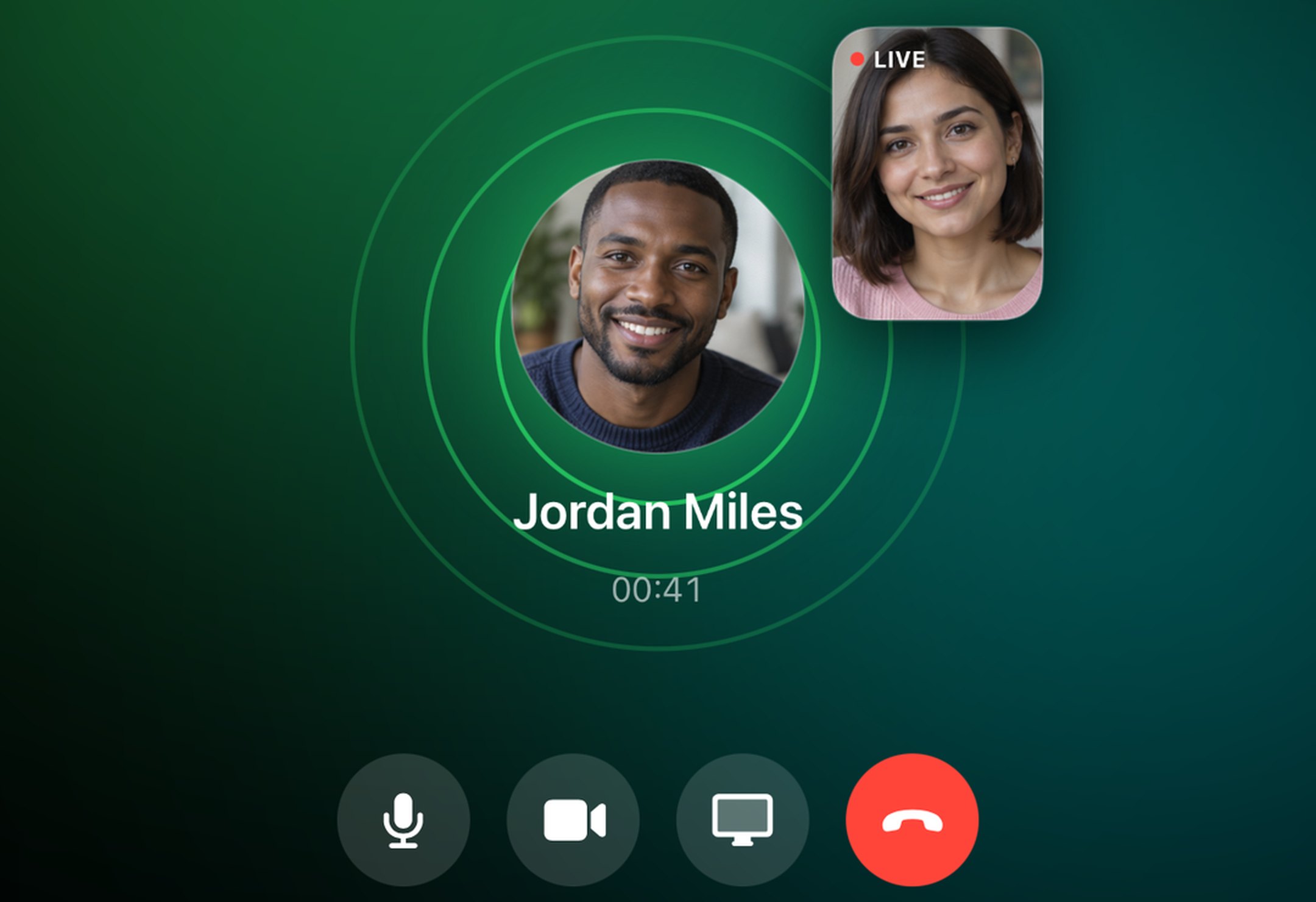
2. Call From Any Chat
Start a voice or video call from any chat on iPhone, iPad and Mac. Share your screen from the Mac to walk a rep through a deck, a script or a pricing sheet.
It is made for the moments that happen between appointments: a quick role-play before a big meeting, a five-minute coaching session, or a check-in with a rep who just hit a hard objection.
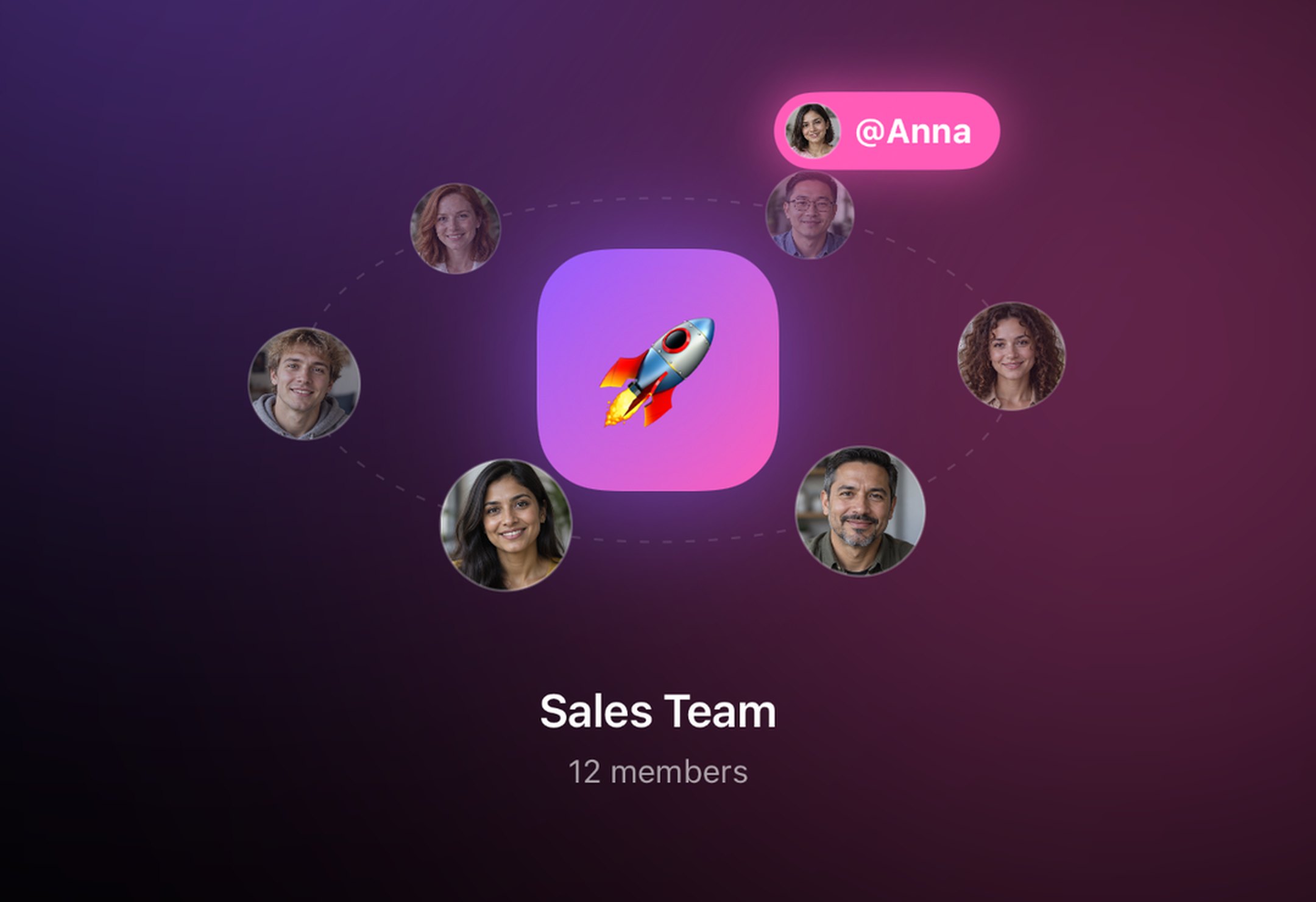
3. Groups for Your Team
Create a group for a sales team, an office, a region or a new-hire class. Give it a name and a look, and @mention anyone to get their attention.
Announcements, wins and questions land in one place instead of five different threads, and every new member sees the same plan as everyone else.
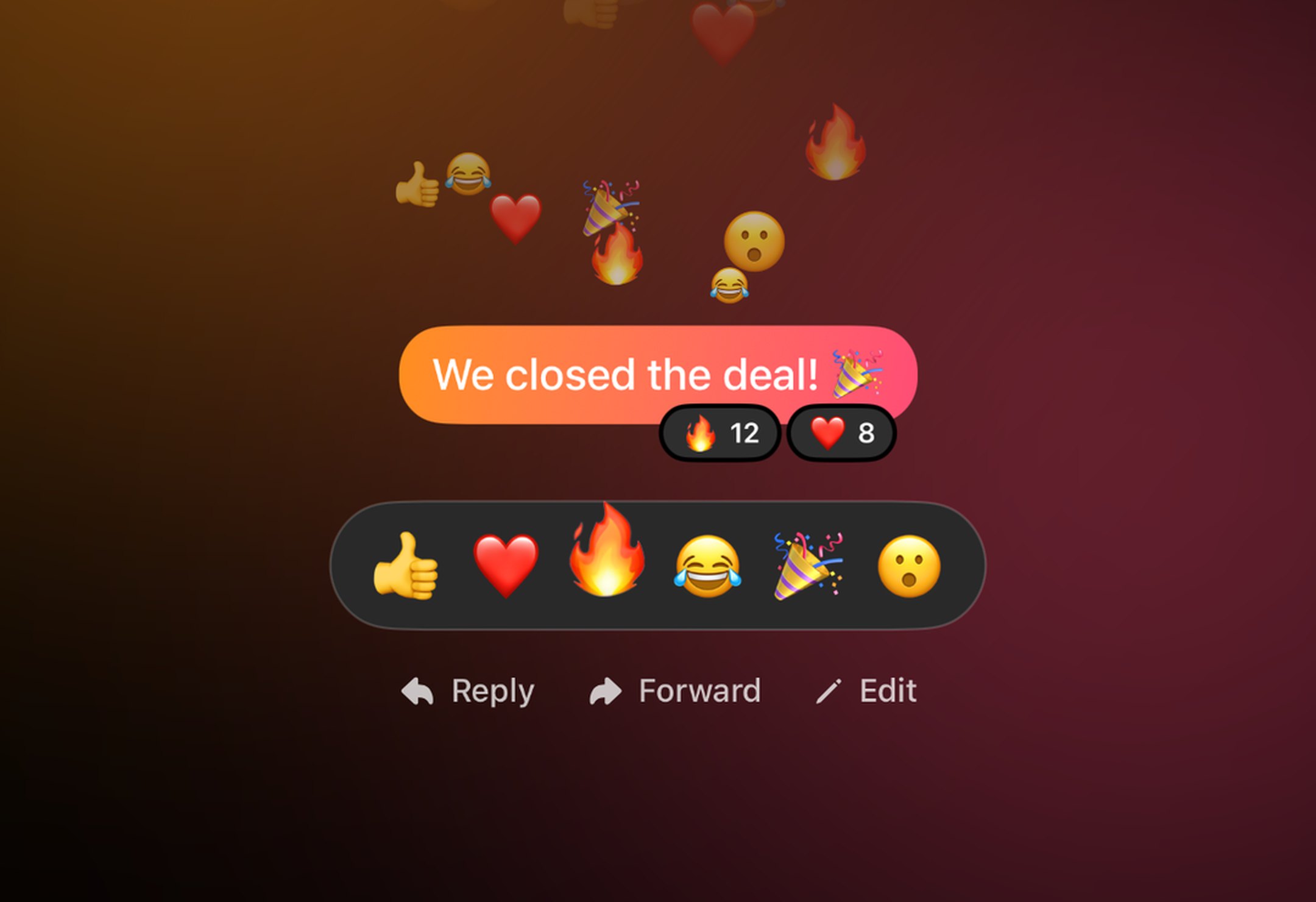
4. React, Reply, Forward
React with any emoji to celebrate a closed deal. Reply to a specific message so the context stays clear in a busy group. Forward a great answer to another team. And when you spot a typo, edit what you sent within 15 minutes.
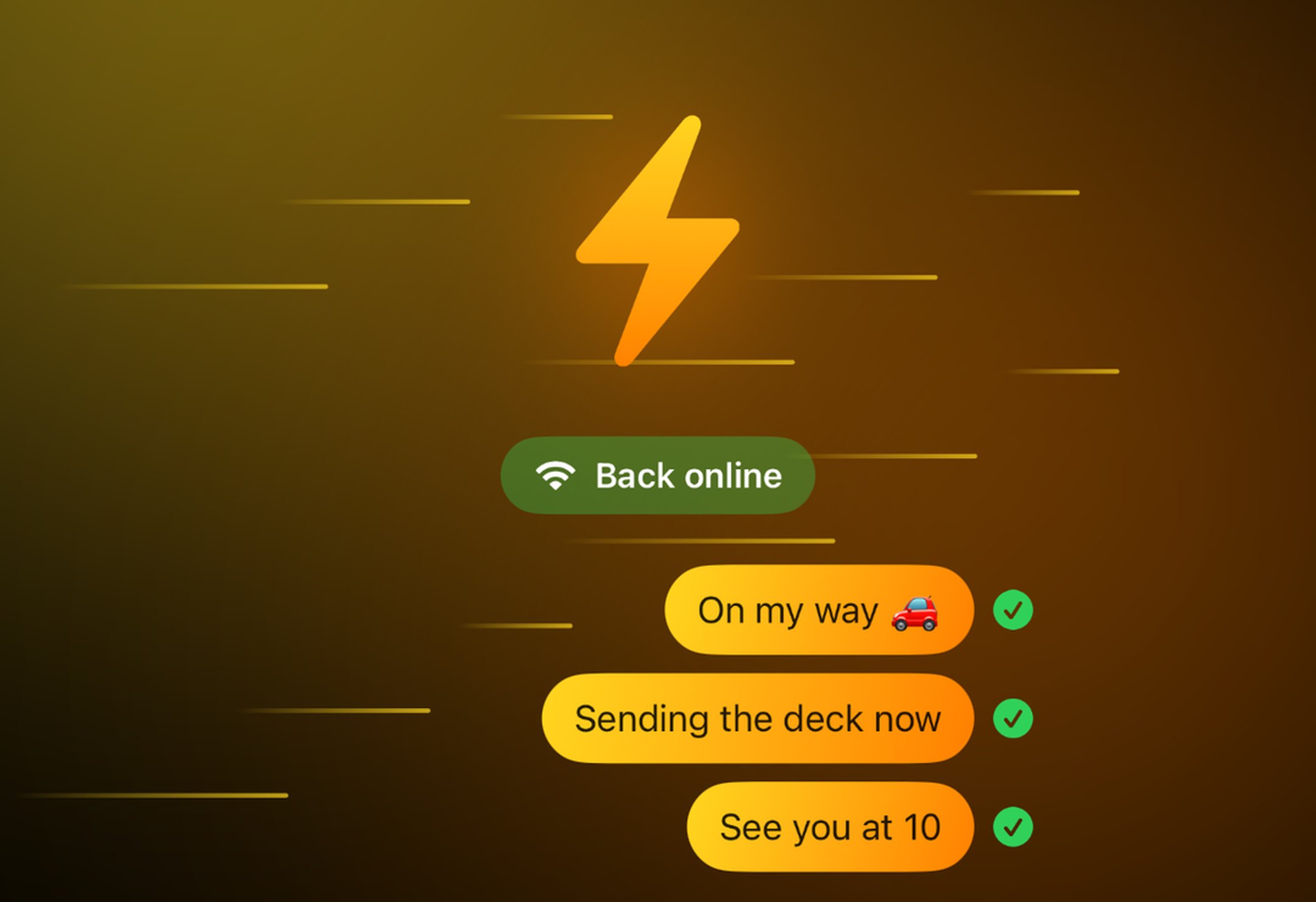
5. Fast. Even Offline.
Chat opens instantly. Reps in the field do not always have signal, so messages written offline wait in the outbox and go out on their own as soon as the phone is back online.
How Field Teams Use Chat
Onboarding. Put every new-hire class in one group, next to their trainings. A question gets answered once, in front of everyone, and new reps get up to speed together.
Morning huddle. The manager drops the plan of the day as a voice message before the first door. The team reacts, asks, and heads out with the same message.
Coaching. Jump on a video call from the chat for a role-play, then share the next training into the thread so the rep can practice right after.
Content that gets used. When marketing ships a new script or pitch video, share it into the team group. Reps open it from the chat, and their questions stay attached to it.
Wins. Post the closed deal, collect the 🔥 reactions, and let the whole team see what is working.
One App for Training and Talking
Every extra app is one more place for the message to get lost. With Chat inside SRG+, your trainings, your pitches and your team's conversation live on every rep's phone in one branded app. Less switching, fewer missed messages, and content that gets discussed instead of forgotten. See everything SRG+ does for team collaboration.
Get Started in 3 Steps
Update SRG+ to 1.93 from the App Store or Google Play, or open SRG+ on the web. Every link is on the Download page.
Open Chat and start a conversation or create a group for your team.
Share a training into the chat and @mention your team.
Frequently Asked Questions
Do I need to update?
Yes. Chat comes with SRG+ 1.93. On iPhone and iPad, SRG+ asks you to update when you open the app.
Where does Chat work?
On iPhone, iPad, Mac, Android and the web. Voice and video calls work on iPhone, iPad and Mac.
Who can I message?
Anyone on SRG+. Start a one-to-one chat, or create a group and add your team.
Available Now
SRG+ 1.93 is available on iPhone, iPad, Mac, Android and the web. Download on the App Store · Get it on Google Play