 SRG+
Calendar
Clients book.
Deals move.
 Golden Hour StudioDiscovery callChoose a dateNovember 2026SMTWTFS123456789101112131415161718192021222324252627282930Choose a time · Thu, Nov 199:00 AM10:30 AM1:00 PM3:30 PMcrm.srgplus.com
Share a booking page, and clients pick a time that is open on your Google Calendar. The call goes on your calendar with its Google Meet link, and the person lands in SRG+ CRM as a lead, on the deal and stage you chose.
- Your Google Calendar inside
- Booking pages to share
- Every booking on a deal
- Alerts by email and text
Your week, next to your clients.
See your Google Calendar by day, week or month inside SRG+ CRM, with your team's meetings and their busy times. Add a meeting with an SRG+ Meet or Google Meet link, and open the person right from the event.
A page that books for you.
Pick the length, the place, your hours, how far ahead people may book and the time between calls. Add several hosts, and the page takes turns between them.
Ava Bennett Noah Webb
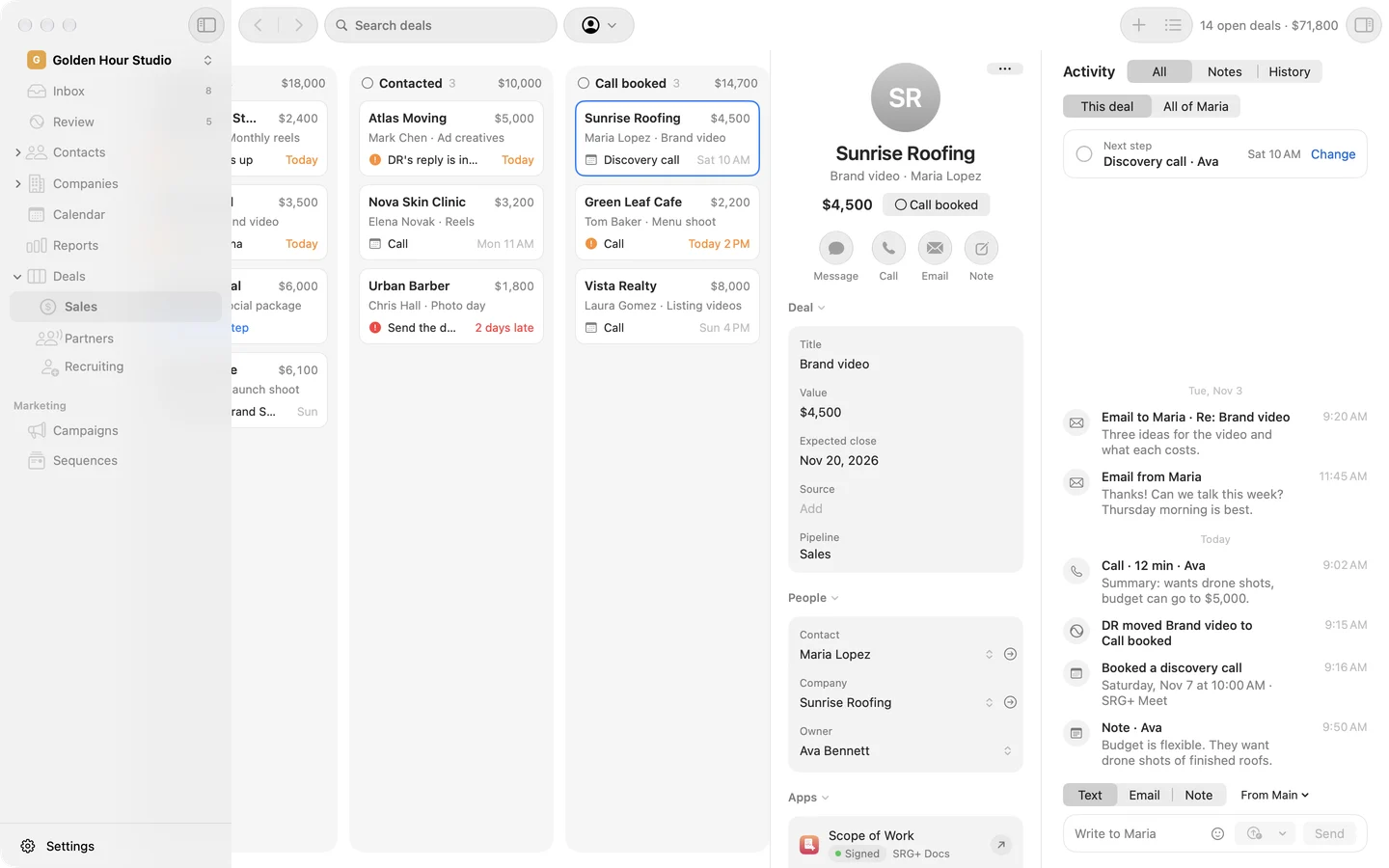
Every booking lands on a deal.
SRG+ CRM finds the person by email or adds them as a new lead, puts on the page's tags and moves their deal to the stage you chose. Your team gets an email and a text the moment it happens.
Showed or no-show.
After the call's start, SRG+ CRM asks if they came. Each meeting keeps its status, and the person's page lists their past and upcoming appointments.
 Anna KimBloom DentalAva BennettHostStatusConfirmedVideo callGoogle MeetBooked onDiscovery call page
Even better with the rest of SRG+ CRM.


Questions about Calendar
Which calendars work with SRG+ CRM?
Google Calendar. Connect it once in Settings, and SRG+ CRM keeps your events in step both ways.
What does a client see on a booking page?
Your call's name and length. They choose a date and a time, add their details and any guests, and confirm. Google sends them the invitation with the Meet link, and the page gives them links to add the meeting to their calendar, reschedule or cancel.
Can I put a booking page on my website?
Yes. Copy the embed code from the booking page in Settings, and add your site to the sites that may show it.
Can several people take calls from one page?
Yes. Add several hosts, and the page takes turns between them.